
Custom Login
# FxLogin Component
Used for platform custom login pages.
# Feature Description
This component, when used with custom domains, enables enterprises to flexibly modify login page styles and authentication methods.
# Parameters
| Parameter | Description | Type | Optional Values | Default Value |
|---|---|---|---|---|
| qrcode | Whether to display QR code login tab | Boolean | — | true |
| account | Whether to display account login tab | Boolean | — | true |
| more | Whether to display more login options tab | Boolean | — | true |
| activeTabIndex | Default active tab index | Number | — | 0 |
| accountLoginTypes | Available login methods under account login tab | Array | phone | ['phone', 'email', 'account'] |
| activeLoginType | Default displayed login method under account login tab | String | — | 'phone' |
| moreLoginTypes | Additional login methods to add in 'More Login' section | Array | [] | |
| changePasswordTypes | Whether to display "Forgot Password" button for phone/email login | Array | 'phone' | 'email' | ['phone', 'email'] |
| lang | Login page language | String | 'zh-CN' | 'zh-TW' | 'en' | 'zh-CN' |
| locationOrigin | Custom domain for network requests (e.g., verification code, login APIs) | String | — | For custom domain xxx.my.fxiaoke.com: www.fxiaoke.comFor personalized domain xxx.xx.xx: location.hostname |
| twoFactor | Whether to enable two-factor authentication | Boolean | — | false |
| themeColor | Component theme color | String | — | '#ff8000' |
| showAgreement | Whether to display login agreement | Boolean | — | true |
| filterEnterpriseList | Filters enterprise list data before rendering | Function(data: array) | — | null |
moreLoginType Parameter Details
| Property | Description | Type | Optional Values | Default Value |
|---|---|---|---|---|
| name | Custom login item name | String | — | — |
| logo | Logo displayed on the left | String | — | — |
| href | Redirect URL when clicked | String | — | — |
| style | Custom style for login items | String | — | — |
filterEnterpriseList Callback Function
Triggered after entering correct credentials and before rendering enterprise list, used to filter enterprise data.
Accepts one parameter:
data: Array- Enterprise list data
Must return filtered data.
| Property | Description | Type | Optional Values | Default Value |
|---|---|---|---|---|
| enterpriseName | Enterprise name | String | — | — |
| employeeStatus | Account status in enterprise: 1: Active, 2: Disabled, 3: Login Prohibited, 4: Pending Review | Number | — | — |
| isNeedScanQRCode | Whether QR code login is required | Boolean | — | — |
| type | Enterprise type: 1: Upstream, 2: Downstream | Number | 1 | 2 | — |
| downloadEnterprise | Downstream enterprises of upstream enterprise | Array | — |
# Code Example
The component is globally registered via Vue.component and can be used directly.
<template>
    <div class="wrapper">
        <div class="login-wrapper">
            <fx-login></fx-login>
        </div>
    </div>
</template>
<script>
export default {};
</script>
<style lang="less" scoped>
.wrapper {
    width: 100vw;
    height: 100vh;
    display: flex;
    align-items: center;
    justify-content: center;
    .login-wrapper {
        padding: 16px;
        border-radius: 4px;
        background-color: #fff;
  }
}
</style>
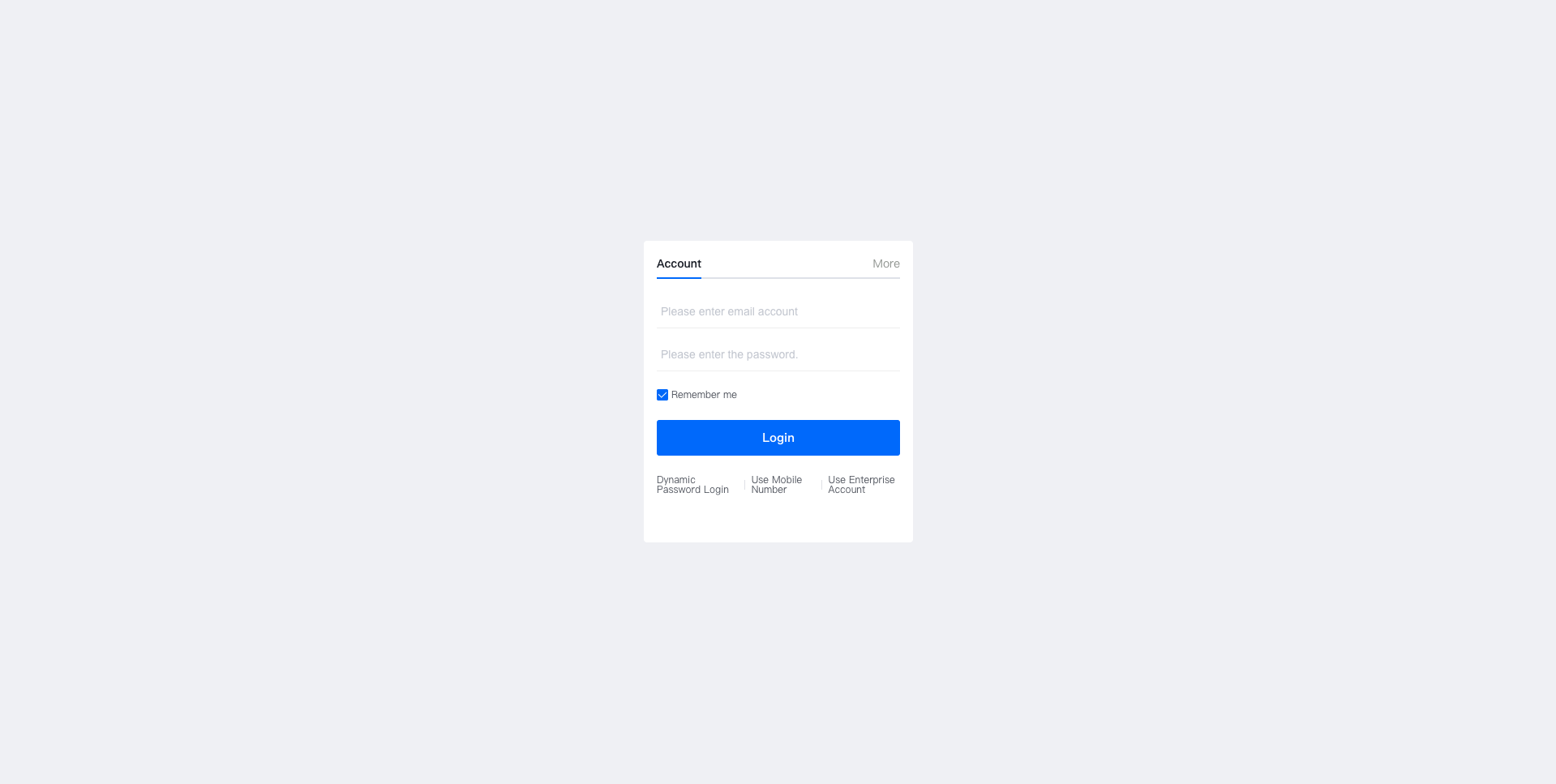
Demo:
# FAQ
# Why can't FxUI components be used?
Other UI components cannot be used on login pages. The login component doesn't have internal dependencies and cannot obtain user identity before login, hence FxUI components are unavailable.
# Why can't fx-login be used within the main site?
The fx-login component performs auto-login operations. Since user identity can be obtained within the main site, the login component would automatically log in.
# Why do static resources fail to load?
Since the login component requires custom domain configuration, static resources cannot be loaded under custom domains.
Custom domain solution: Use https://www.fxiaoke.com
data() {
    return {
       logoImage: `https.www.fxiaoke.com${$publicPath$}logo.png`,
    }
},
Private domain solution: Use location.origin
data() {
    return {
       logoImage: location.origin + `${$publicPath$}logo.png`,
    }
},