Fxiaoke Developer Manual Fxiaoke Developer Manual
  • APL Development Manual
  • PWC Development Manual
  • OpenAPI Documentation
  • Custom Components (PC)
  • Custom Components (Mini Program)
  • Custom Plugins (PC)
  • Custom Plugins (Mini Program)
  • Third-party Integration Plugins (H5)
  • API (PC)
  • API (Mini Program)
  • Fx DevTools
Update Log
  • 简体中文
  • English
  • Custom Components (PC)
  • Custom Components (Mini Program)
  • Custom Plugins (PC)
  • Custom Plugins (Mini Program)
  • Third-party Integration Plugins (H5)
  • API (PC)
  • API (Mini Program)
  • Fx DevTools
Update Log
  • 简体中文
  • English
  • Getting Started

    • What is Mini Program Custom Component
      • Develop Your First Mini Program Custom Component
    • Components

    • Mini Program Framework

    • Examples

    Table of Contents

    What Are Mini Program Custom Components

    # What Are Mini Program Custom Components

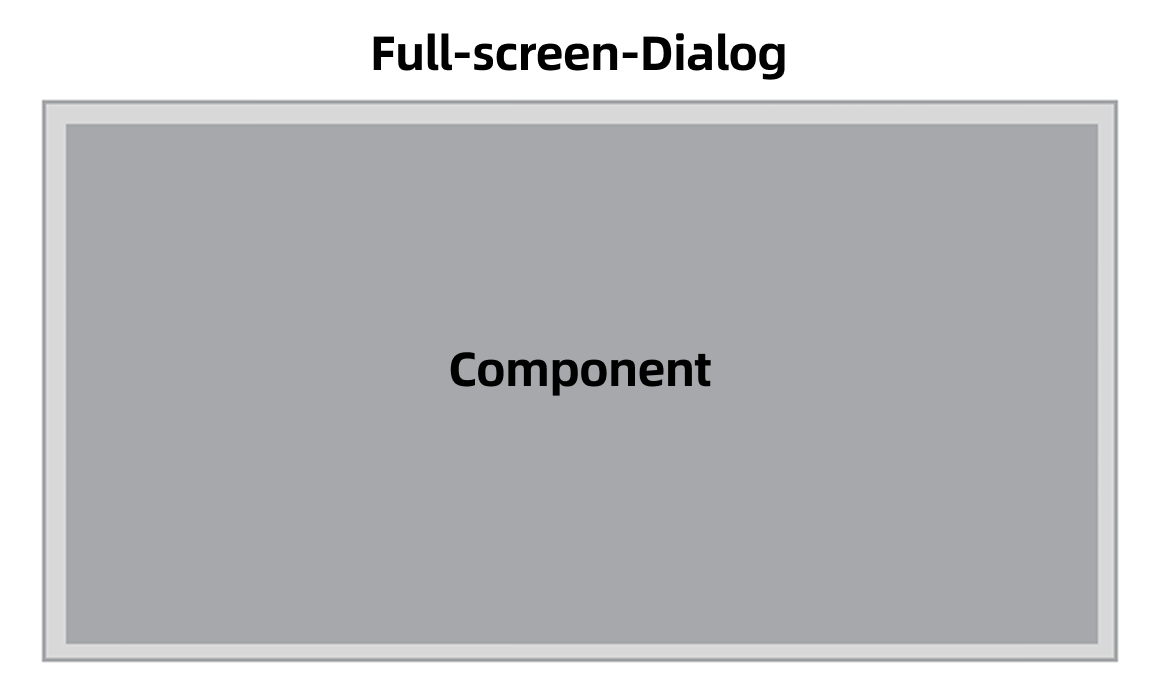
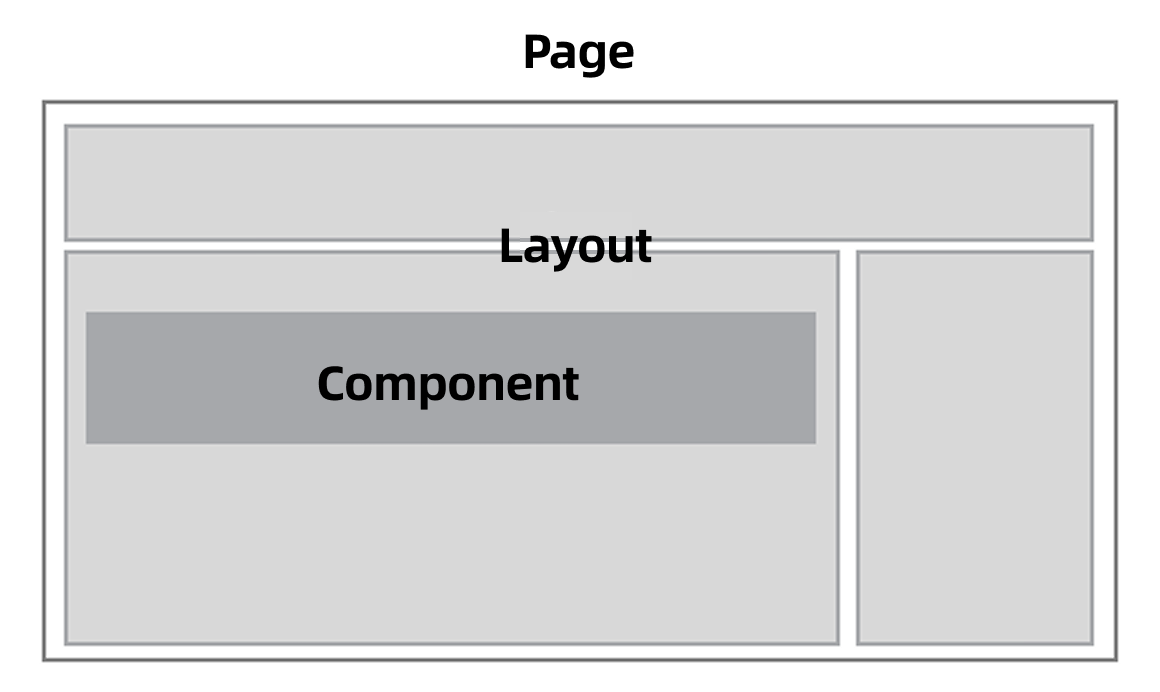
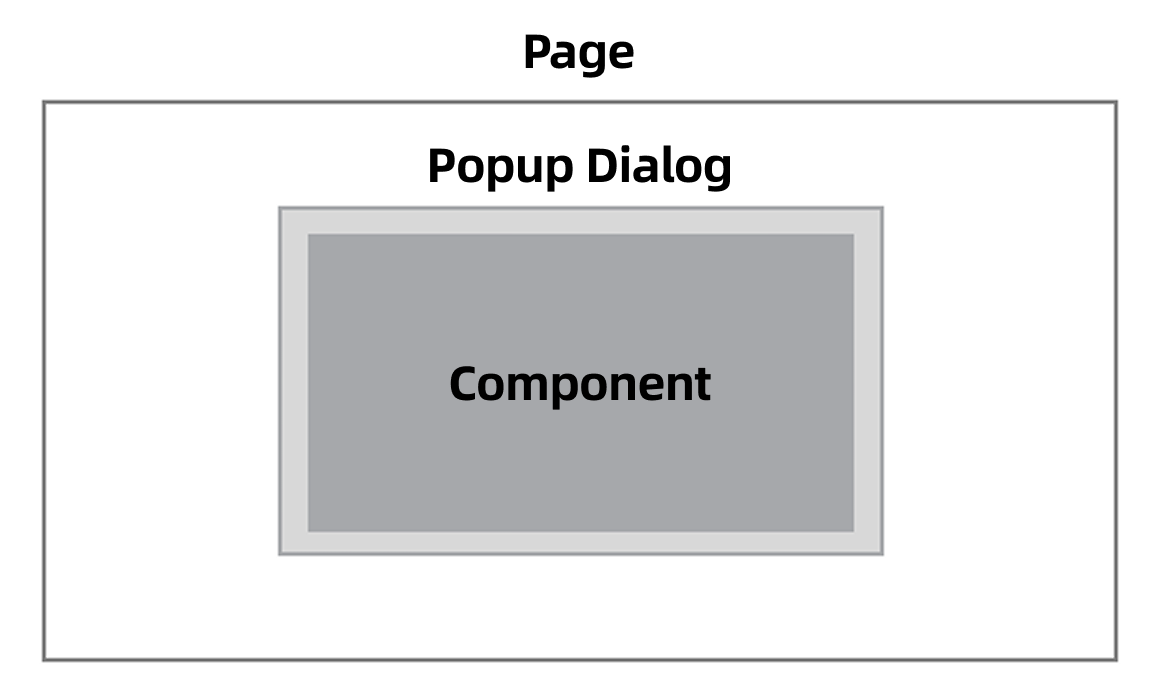
    In Fxiaoke's PaaS platform, "components" serve as the core functional units of frontend interfaces. They can be configured into page layouts, loaded into pop-up dialogs, or displayed in full-screen dialogs. The user interface structure is shown below:
    start-what-1

    start-what-2

    start-what-3

    Beyond providing a series of standardized business components, FxUI in the PaaS platform also offers component-level secondary development capabilities to tenant developers, known as "Mini Program Custom Components."

    Through Mini Program Custom Components, developers can rapidly and conveniently integrate customized interface functionalities into Fxiaoke's business scenarios to better align with enterprise users' actual requirements.

    Develop Your First Mini Program Custom Component

    Develop Your First Mini Program Custom Component→

    • 跟随系统
    • 浅色模式
    • 深色模式
    • 阅读模式