
Configuration Steps
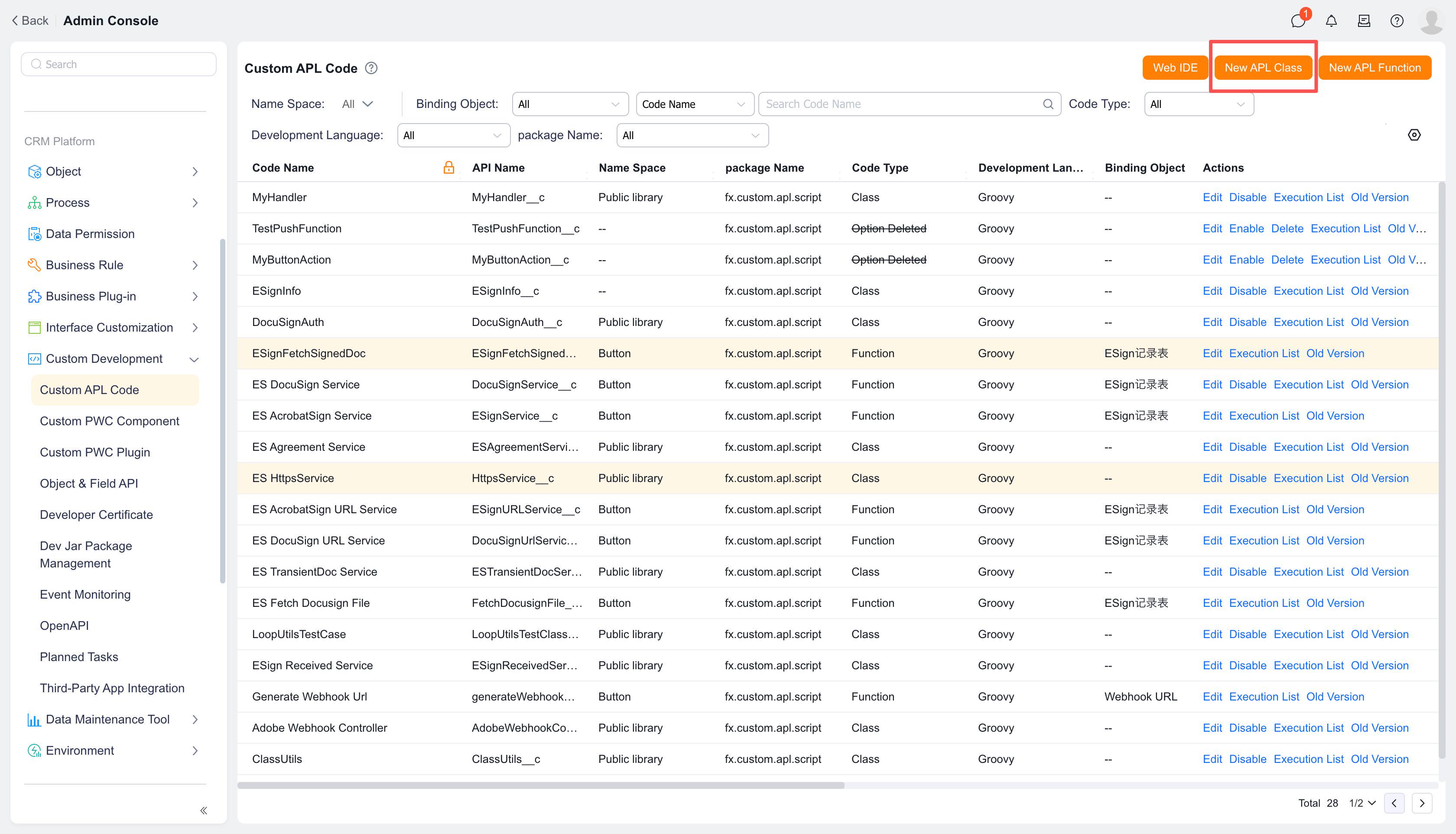
# 1. Click [New APL Class] at the top
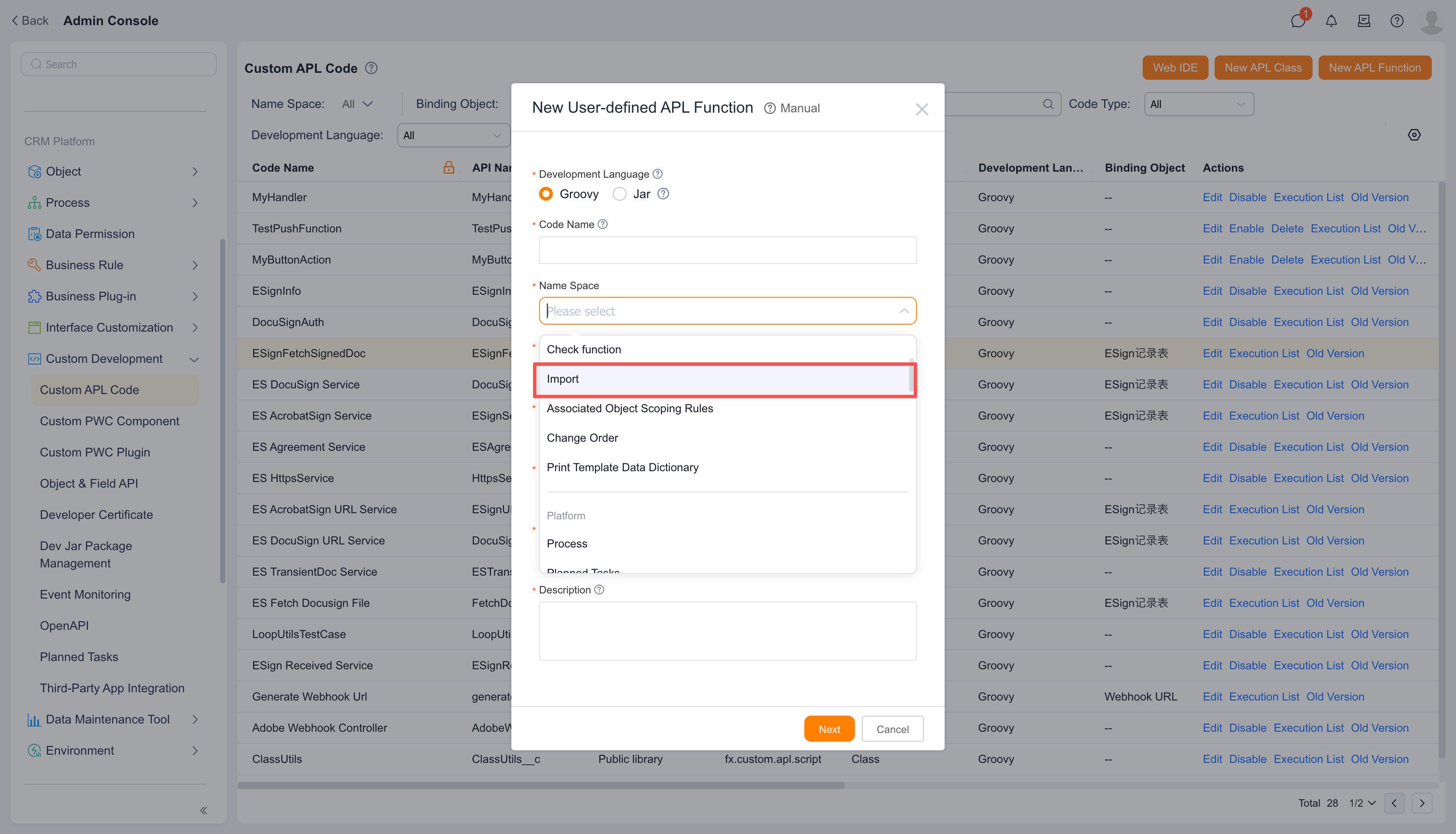
# 2. Select "Object Export Plugin" for the function namespace, then complete the function name, remarks, and other information
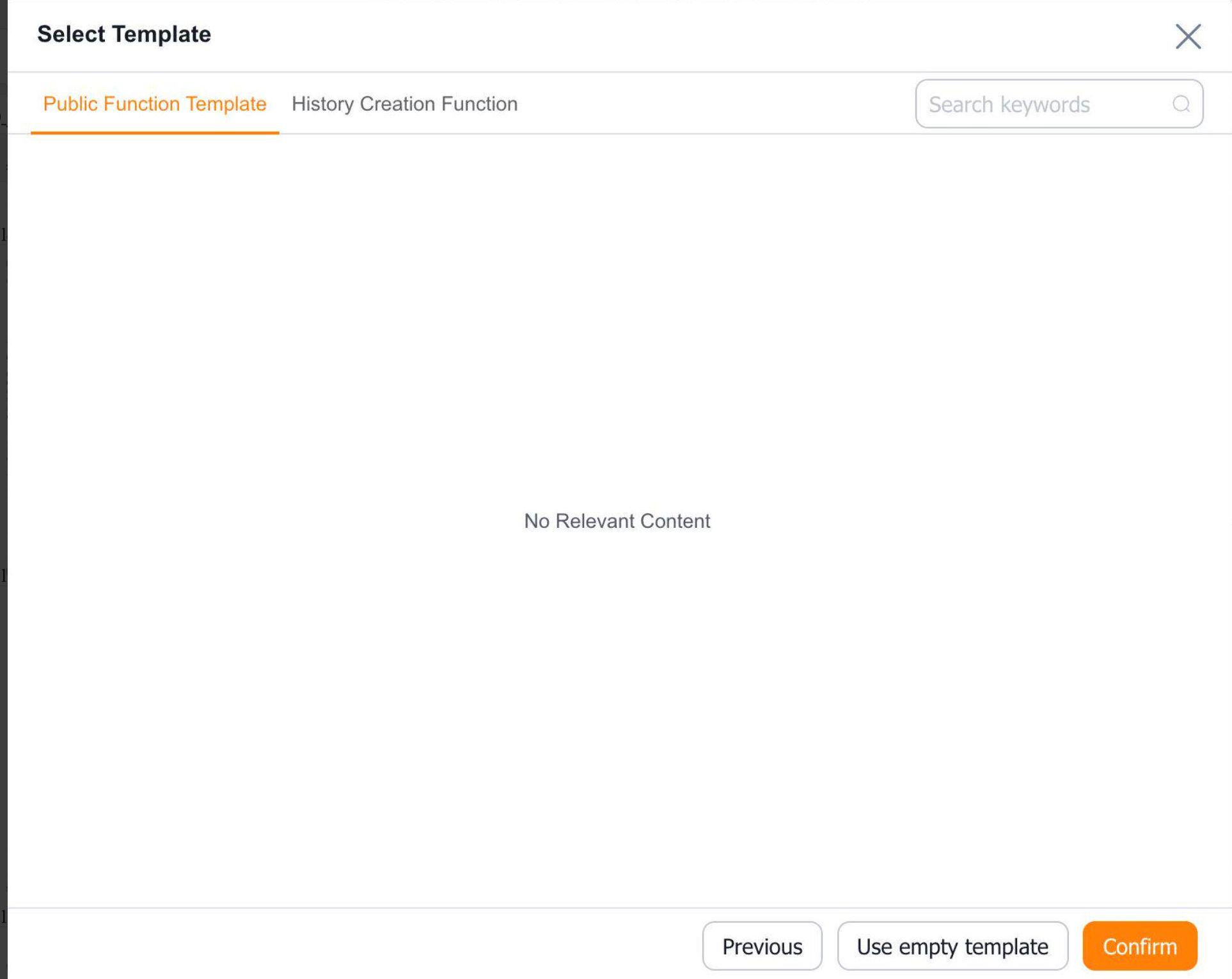
# 3. Select a template - choose between using a template or an empty template, then click [Confirm]
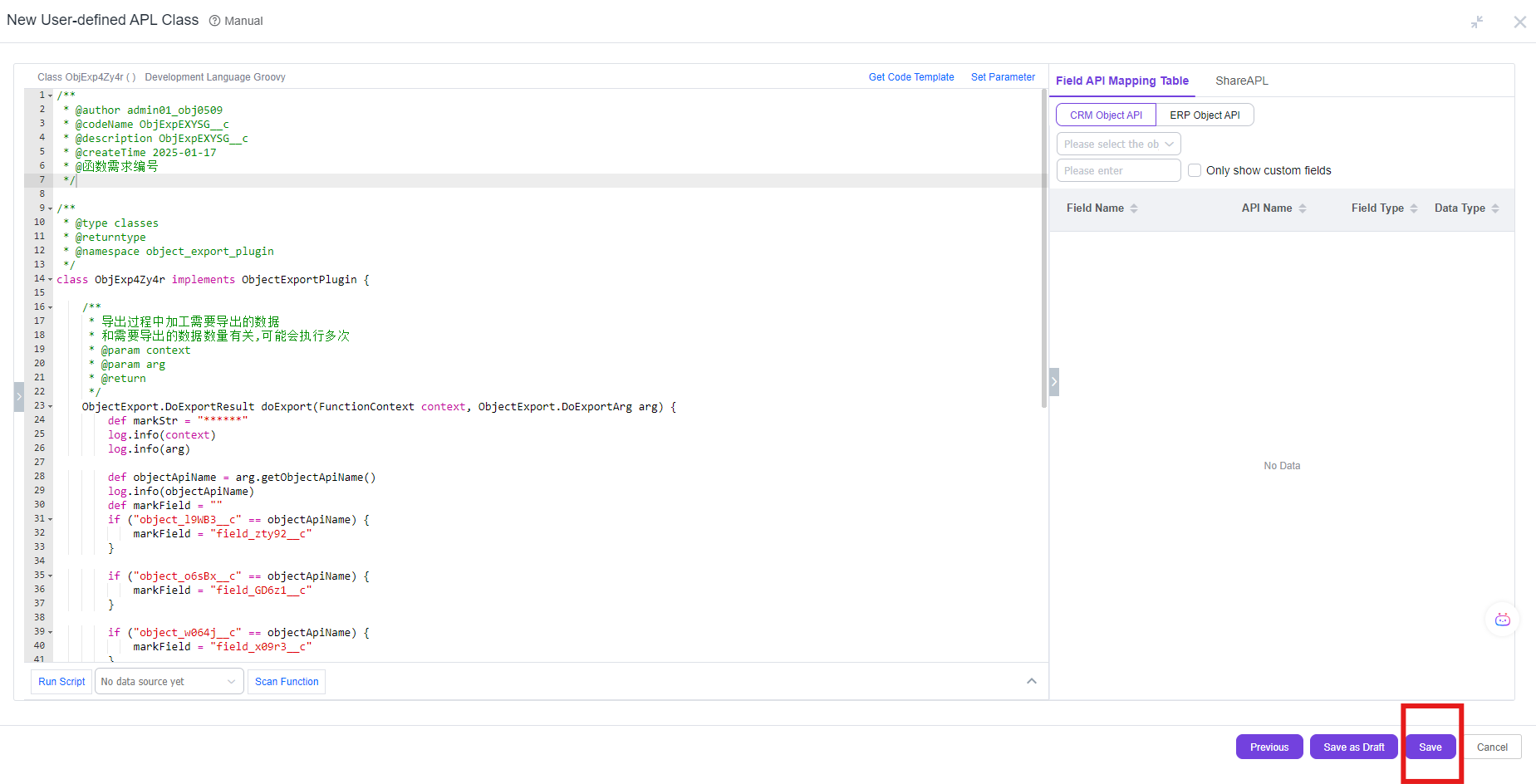
# 4. Click [Save] to complete the function creation
# 5. Obtain the function apiname and submit for approval to bind the business function
Reference:
Configuring export function plugin (opens new window)